Chapter 11 of 11 · 20 min
Reports, and what to check before you go live
Five places to look, four things to know before you argue with a number, and an honest list of what is not built.
You know which screen answers which question, you can read a figure without being misled by it, and you know exactly what this system will not do on your first real trading day.
Every figure in this chapter is summed from posted documents, not from a running counter. That is slower and it is the reason the numbers agree with the Z-reports instead of drifting away from them over a year.
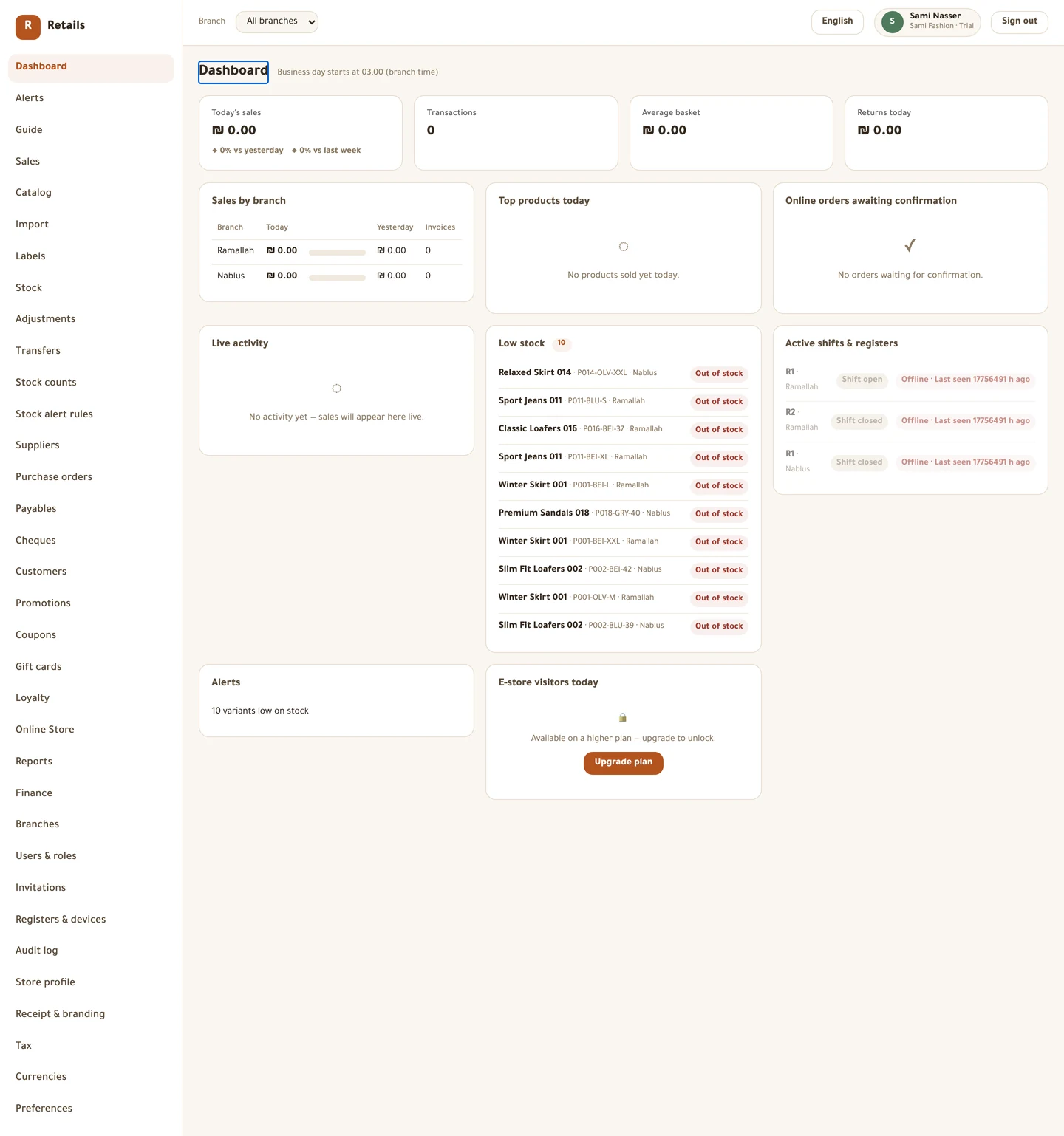
The dashboard — how is today going?
Today's takings against yesterday and last week, sales per branch, what is selling, which shelves are low, which registers have a shift open and which have gone quiet with sales still on them.
The day boundary is your business-day cutoff, not midnight, and the header says which hour that is and that it is read in branch time. A shop that closes at one in the morning would otherwise see its evening split across two days.
On a freshly seeded store every one of these screens opens empty, because the seed posts no sales at all. That is the correct state, not a fault. Ring something up and come back.
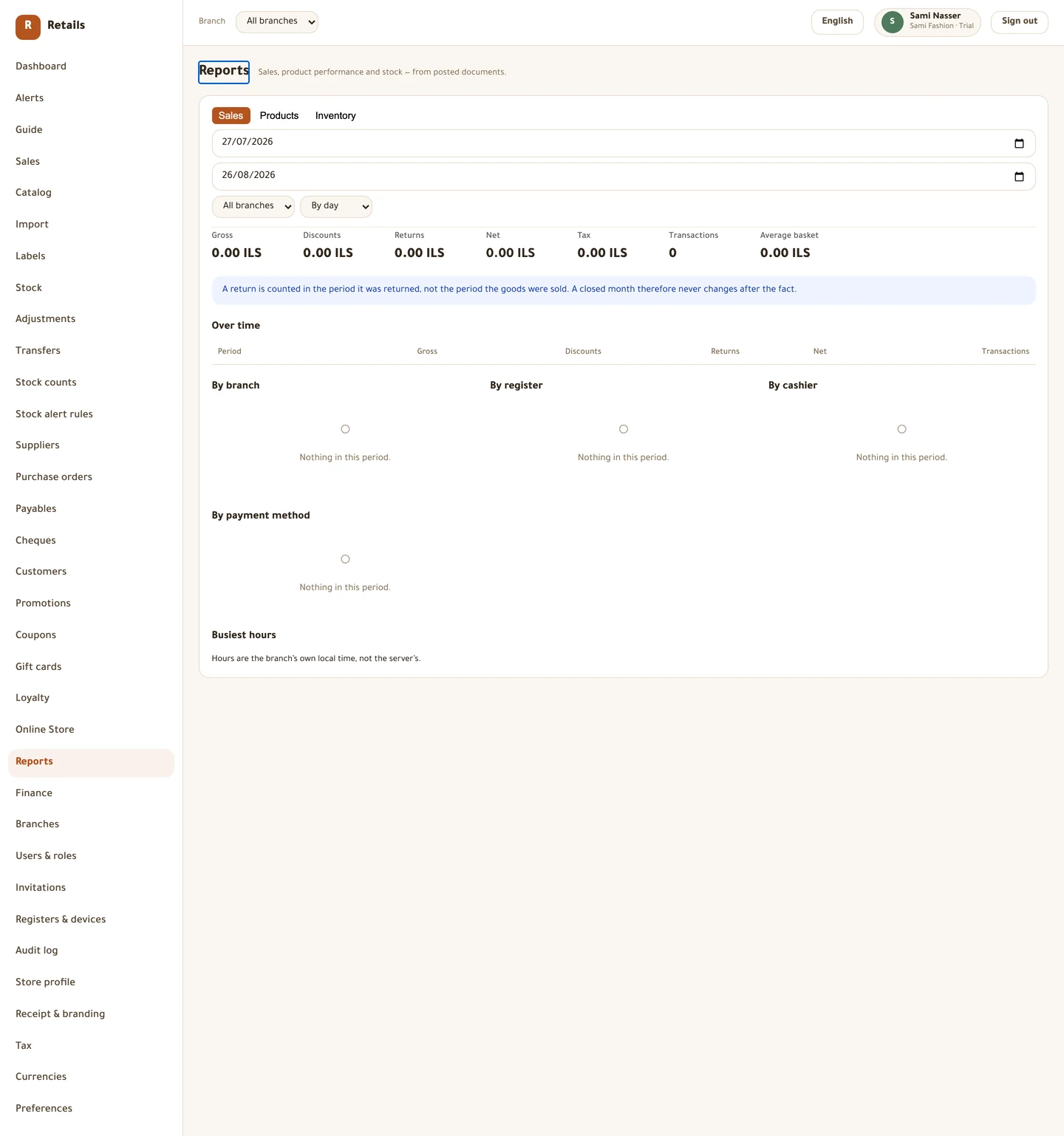
Reports — sales, products and inventory
One screen, three tabs, a date range and a branch filter across all of them.
Sales gives gross, discounts, returns, net, tax and the transaction count, grouped by day, week or month, and broken down by branch, register, cashier and payment method. Busiest hours is the staffing view, and the hours are the branch's own local time, not the server's.
Products gives best sellers, slowest movers and stock that has not sold in months while still holding value. Margin needs cost, so anything sold with no recorded cost is listed under Excluded from margin rather than counted as pure profit, which would flatter every total above it.
Inventory gives total stock value, value by branch, negative lines, and adjustments grouped by reason — which is your shrinkage report, and the reason the reason code was never optional.
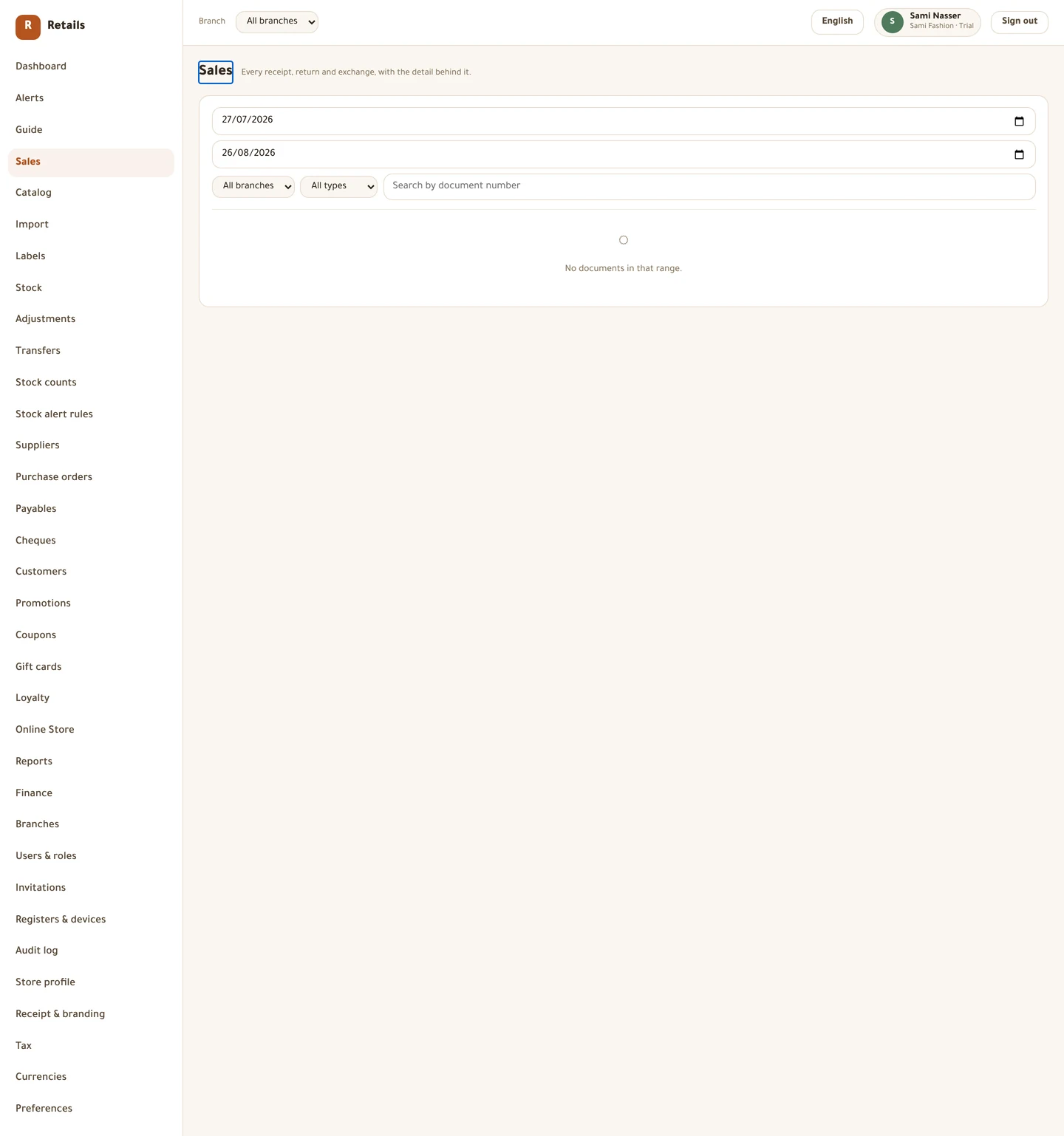
The sales journal — document by document
Sales is every receipt, return and exchange with the detail behind it: the lines, what each was discounted by, how it was paid, and the rate used on any foreign note.
The discounts shown per line are the amounts recorded at the time of sale, not a recalculation. That is what makes a partial return come out right months later.
The totals under the table are for every document matching your filters, not just the page you are looking at.
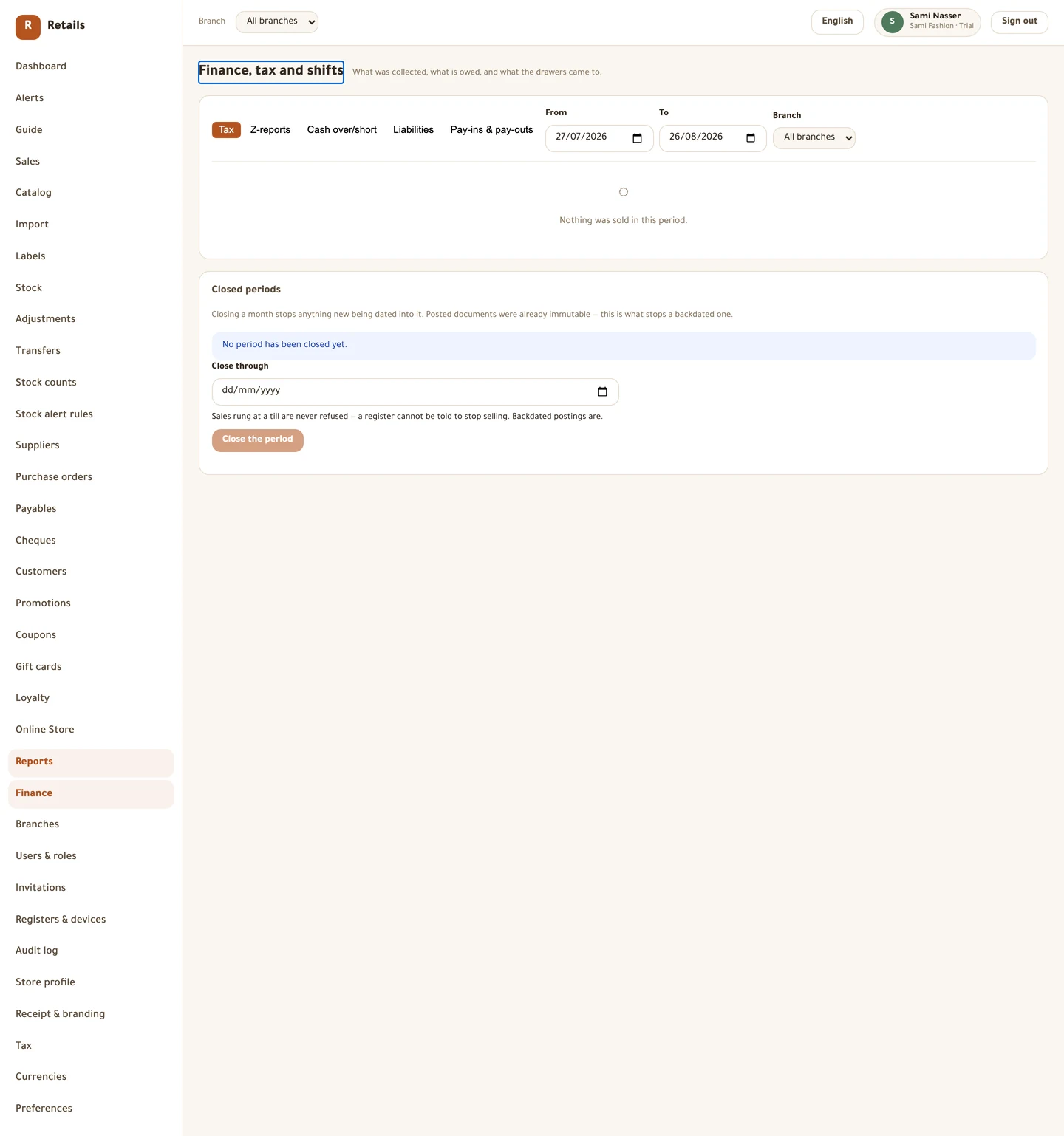
Finance, tax and shifts
Tax is what you collected for your VAT return, grouped by the rate each line actually carried rather than by tax class. A filing period can hold two rates for one class, and a blended figure matches no line and no legal filing.
Z-reports is the archive of every closed shift. Cash over/short groups the differences by cashier, which is the report that pays for itself. Pay-ins & pay-outs is every non-sale movement of cash, with who authorised it. Liabilities is what you are holding in gift cards and store credit, plus cheques falling due.
This is also where you close a month. Closing stops anything new being dated into it. It never refuses a sale at a till — a register cannot be told to stop selling — it refuses a backdated posting. Reopening is deliberate and recorded.
Alerts and the audit log
Alerts is what needs attention across your branches: low stock, negative stock, a till over or short beyond the threshold, a register not syncing, a cheque due, a transfer waiting to be received. Alerts close themselves when the problem is fixed — a restock clears its own low-stock warning.
Marking one as read clears it for you only. Dismissing closes it for the whole store, so dismiss once the problem is actually dealt with.
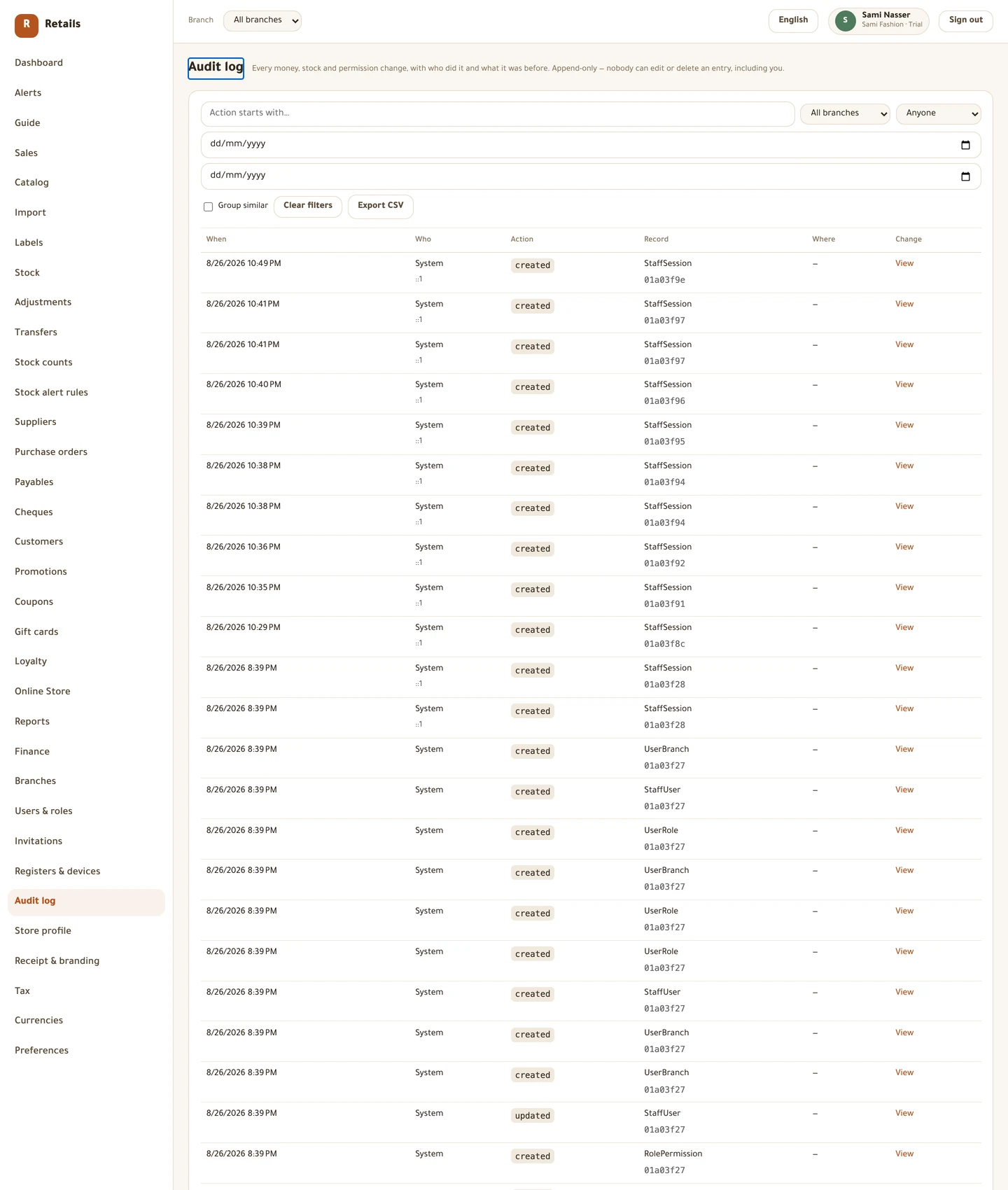
Audit log is every money, stock and permission change, with who did it and what the value was before. It is append-only and structurally so: there is no way to edit or delete an entry, including for you. Exporting it writes its own audit entry, because reading the whole trail is itself a sensitive act.
Four things to know before you argue with a number
A return is counted in the period it was returned, not the period the goods were sold. Sold in January, returned in February: January does not move. That is what lets a closed month stay closed.
Unsynced sales are counted and flagged, never left out. If a figure is marked provisional, the register behind it is still catching up.
Cost and margin are permission-gated. Two people can open the same report on the same day and see a different number of columns, and neither of them is wrong.
Stock is valued as it stands now, at today's moving-average cost. Valuing your stock as it stood on a past date is not available, so a year-end figure has to be taken on the day.
Before you trade for real
This is the honest list, and it is the last thing in this tutorial on purpose. Read both halves before you open the door. Nothing in the second half is a fault worth reporting — all of it is known and written down.
What is finished. The catalogue, including size and colour matrices, barcodes and label printing. Stock: the overview, adjustments with reasons, counts, transfers between branches, and alert rules. Purchasing end to end: suppliers, orders, receiving with moving-average costing, payables ageing, payments, the cheque register and supplier statements. Customers, with store credit, merging and erasure. Offers, coupons, gift cards and loyalty in the back office. The register: pairing, PIN sign-in, shifts, sales, cash in several currencies, an externally-taken card, parked sales, returns and exchanges, cash in and out, the sync queue and the Z-report. And all the reporting in this chapter. Every screen exists in Arabic and English, and every figure is scoped to your store alone.
Nothing prints. The app builds the receipt correctly and has no connection to a printer, so a completed sale reports that no printer is configured.
The cash drawer does not open, because it opens on a pulse from the printer.
No barcode scanner has been certified on a real Windows or Android device.
Automatic offers do not fire at the till. The register rings manual discounts only.
There is no online store, so an offer set to run online runs nowhere a customer can see.
Gift cards, store credit and loyalty points cannot be used to pay at the counter. The balances are real and visible; they cannot be spent.
There is no X-report — no mid-shift totals without closing the shift.
There is no integrated card terminal. A card is recorded by hand after the bank's own terminal has approved it, and a card refund is not pushed back to a terminal.
A receipt from another branch or another register cannot be returned on a till that is offline, and an online order cannot be returned at all.
Alerts are not delivered anywhere. They live in the Alerts screen; the delivery choice on a rule is stored and nothing sends anything. A Not selling rule can be created and nothing evaluates it.
Returning goods to a supplier has no screen, though the rest of the supplier ledger is complete.
The supplier statement prints from your browser. There is no PDF built by the server.
Stock can only be valued as it stands now, never as at a past date.
Loyalty tiers are never assigned, so every customer's tier stays empty, and points never actually expire.
Blank gift cards cannot be loaded into stock in advance — each card is issued with a value already on it.
You cannot create a register from the back office. The button is there and deliberately switched off; registers arrive with the store.
The import takes CSV only, up to 5,000 rows, and runs while you wait. There is no screen for size systems, so size lists are typed per product.
Subscription billing is not in the app: no invoices, no card on file, no reminders. Collection happens outside the system.
Signing in with Google works; signing up with Google does not.
And one thing that is built but unproven. Nobody has yet driven a sale by hand — sale screen, payment, close the shift — on a real device in a real shop. The automated checks prove the app starts. They do not prove a shopkeeper can sell with it. That is what your own test run is for.
Before you move on
- You know which of the five screens answers which question
- You have opened the dashboard once after ringing a real sale
- You understand what Provisional means on a figure
- You have read the not-built list in full
- You have done your own end-to-end test run on a real device
Every picture on this page is a photograph of the real screen, taken from a running store.